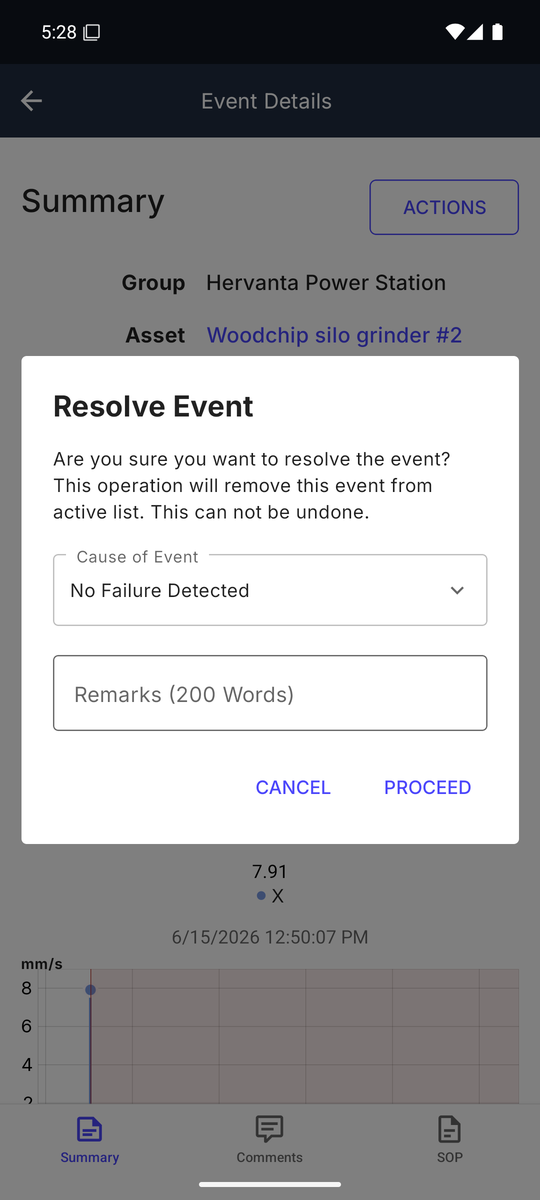
Events
Act on alerts from anywhere. Each event shows the triggering KPI against its threshold, a trend chart, the machine's SOP, and comments to record what you found.
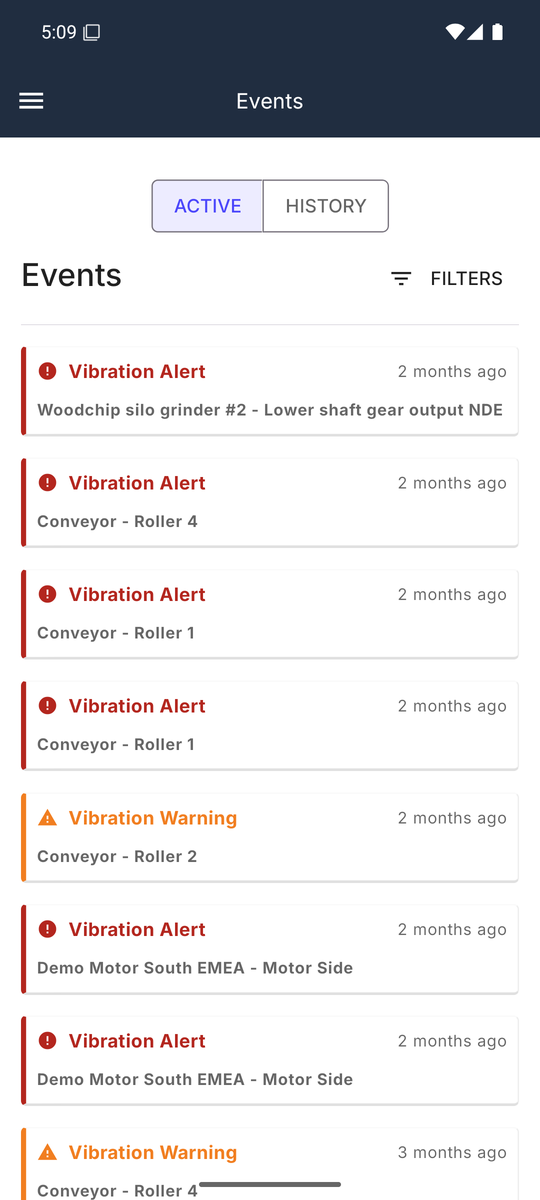
An event's detail page has three tabs: Summary — the group, asset and device, the KPI that triggered with its value against the threshold, recent trend statistics and a chart of the triggering measurement — plus Comments to record what you found, and the machine's SOP.
Resolving and rejecting
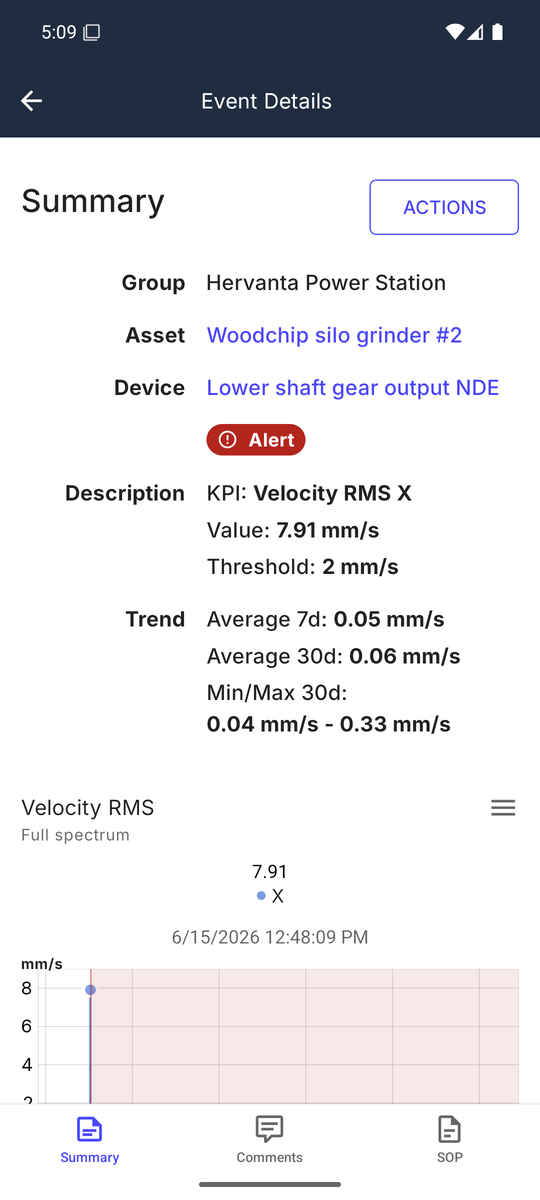
ACTIONS on the event closes the case with Resolve Event or Reject Event — the same case-closure action as on the web, and on an AI event it feeds the AI feedback loop.
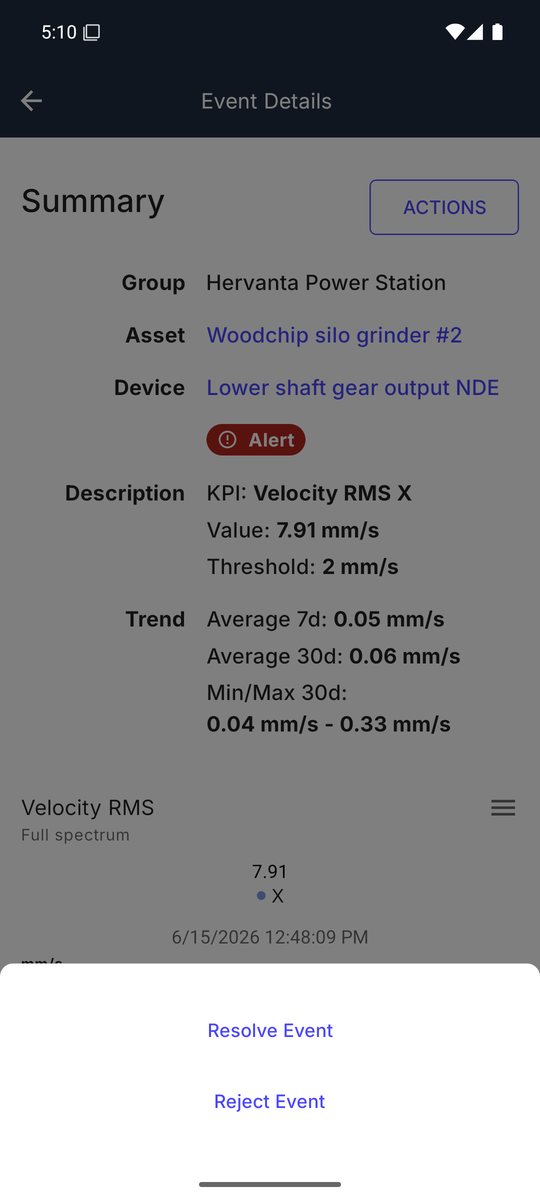
Choosing Resolve Event opens a confirmation dialog with Remarks, an Action Taken choice, and — where the event requires it — a Cause of Event, then PROCEED. The cause you record matters: as on the web, resolving with "No Failure Detected" tells the system this was not a real fault, so the same condition does not immediately re-raise the event — and on an AI event it re-learns that period as healthy. Reject Event works the same way but always needs a remark, and never changes the model. Closing an event removes it from the active list and cannot be undone.