Access
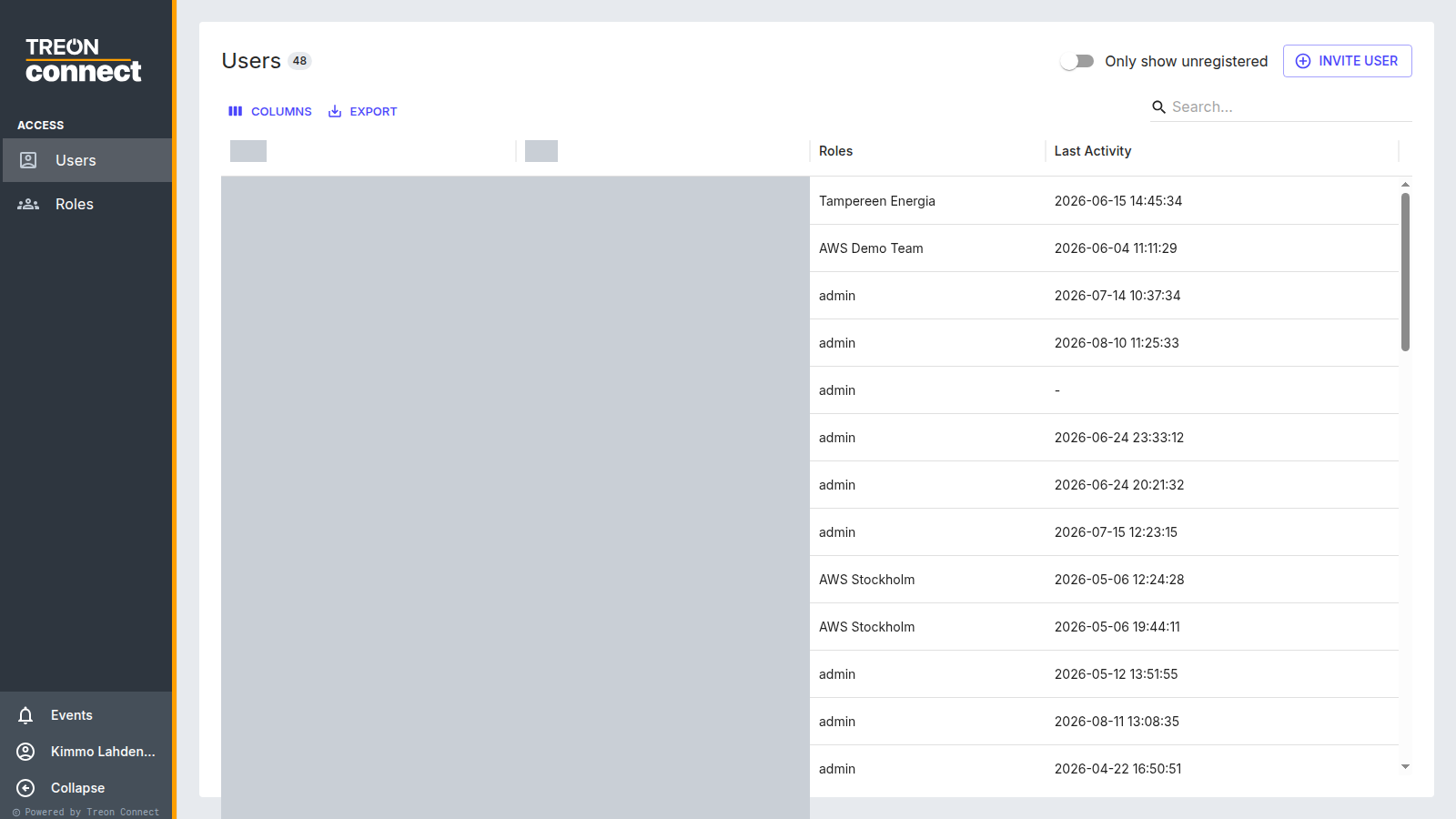
Give every role in your team a view that fits their job. Access manages users and the roles that grant their permissions, group by group.
How access works
There are only two moving parts:
- A role bundles which applications it can open with a per-group permission — Full Permissions, Read-Only or No Access for each group in your hierarchy.
- A user is assigned one or more roles.
There is no separate per-user scope. Everything a person can see and do comes from their roles, so the role is where you decide both what and where.
What you can do here
- Invite users and re-send or reset their invitations.
- Create and edit roles, including their application access and per-group permissions.
- Assign roles to users, and delete users who have left.
See Users and roles for the screen-by-screen detail, or Invite users and assign roles for the whole job end to end.
Build the groups first
Because permission is granted per group, the group hierarchy has to exist before you can build a meaningful role.