How to change profiles
Measurement profiles are designed to work well out of the box, but in many cases you may want to adjust them to better match your machines, operating patterns, or monitoring goals. Treon Industrial Node X allows limited profile customization directly through Treon Connect, making it easy to fine‑tune measurements without deep technical configuration.
Checking and modifying the profile
You can edit the configuration from your Treon Connect instance:
- Access your Treon Connect instance.
- Navigate to the Configurations menu.
- Find the Device you would like to change in the list and select it.
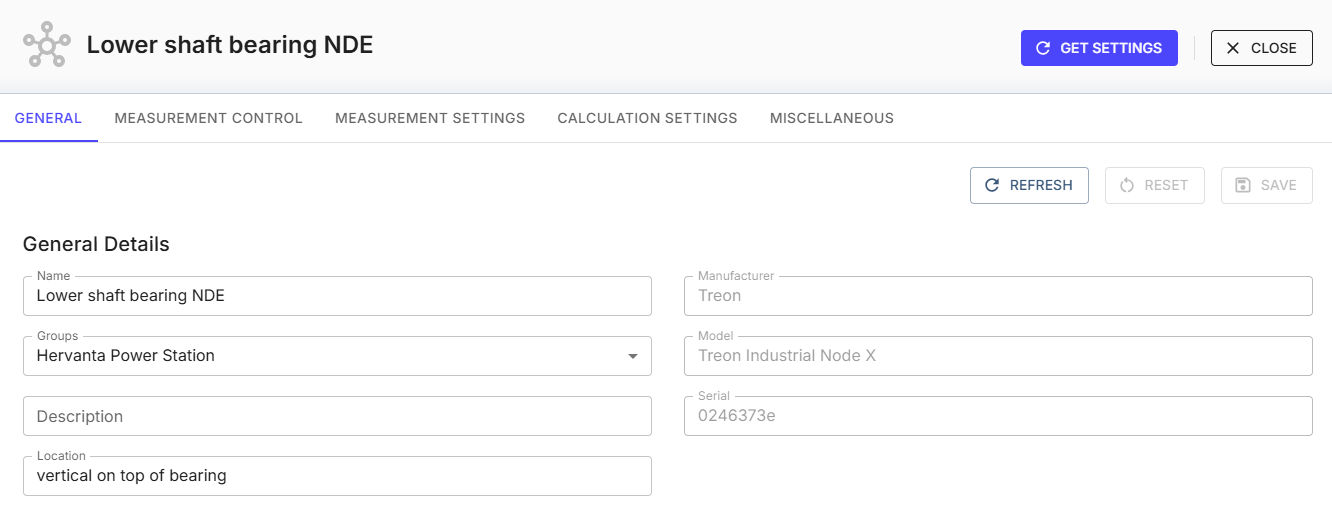
From the Device configuration view, you can view current settings and modify settings.
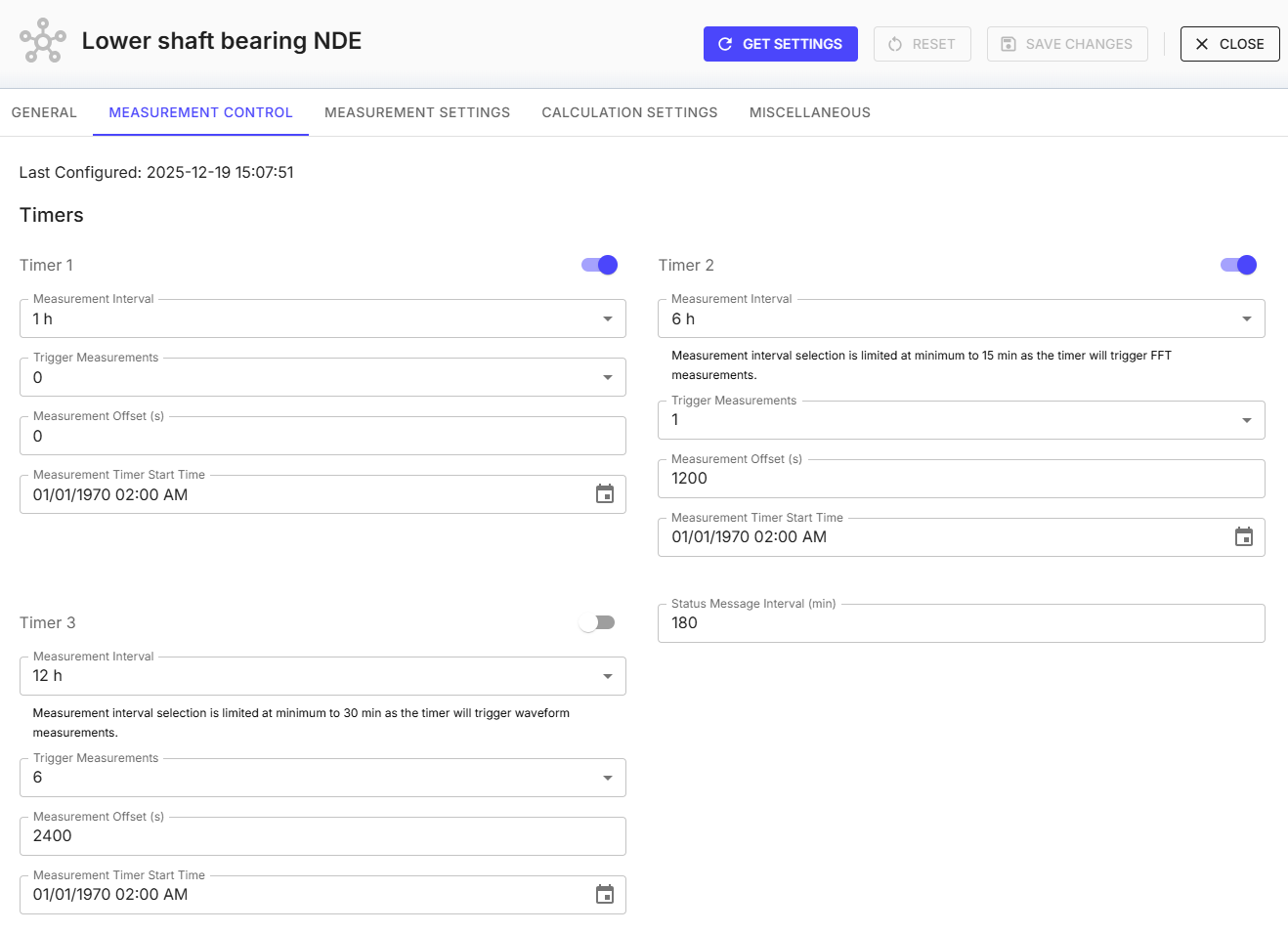
This allows you to edit settings such as timers and which measurements are triggered and when. You can adapt the default profile to your needs while keeping the core structure intact.
Measurement control
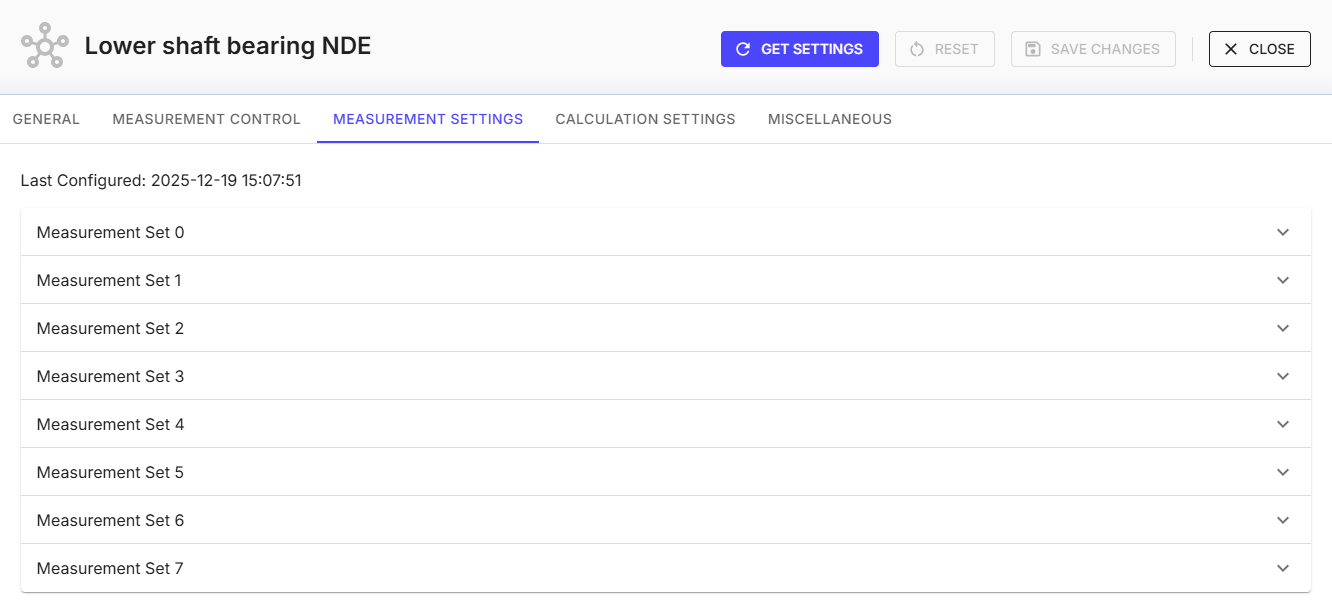
Measurement settings
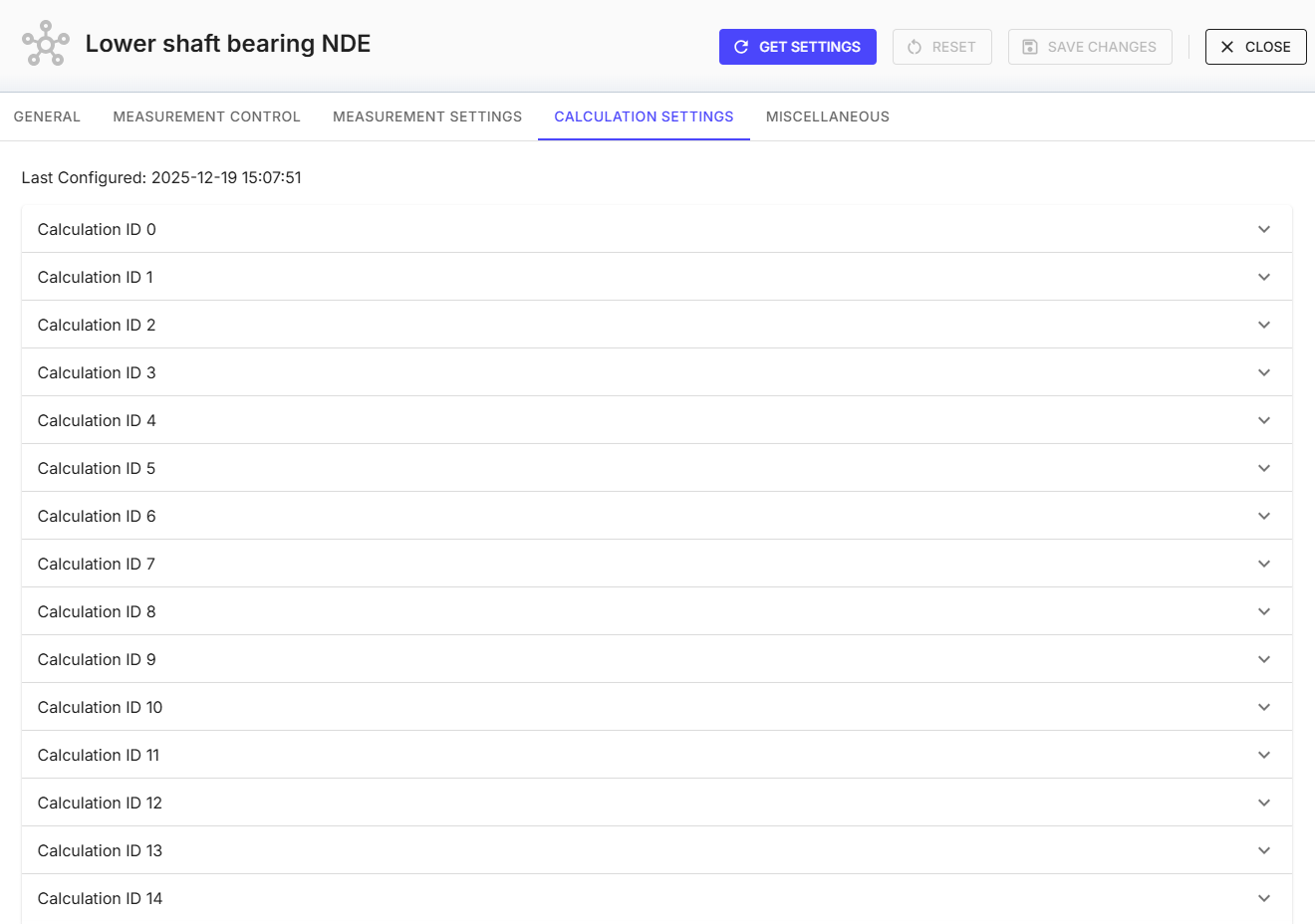
Calculation settings
Miscellaneous
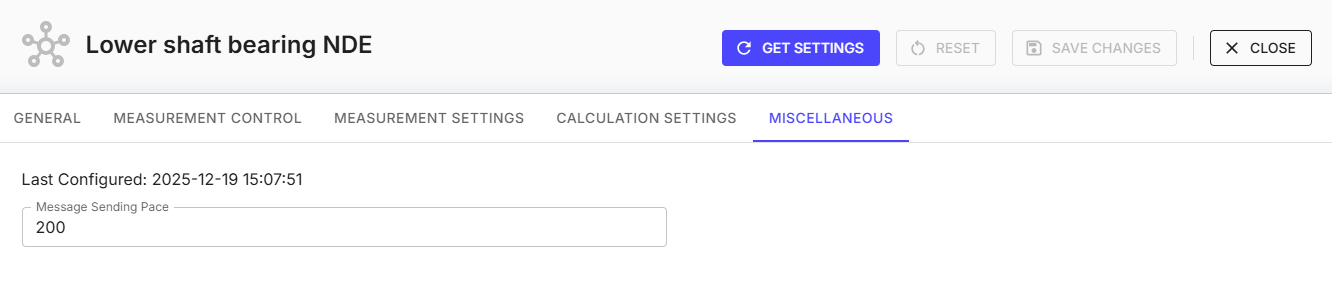
Please note: It is also possible to edit deep calculation details (for example, changing filters). If you require a highly customized profile that cannot be achieved through the Treon Connect UI, please contact Treon Support directly.
The Treon Industrial Node X profile is designed based on which measurements best suit different machine types. For example, changing the FFT measurement from one measurement set to another can significantly improve resolution for low-frequency vibrations. Read our article on default profiles.
If you are at any point of changing settings unsure how to continue, please contact Treon Support.
Troubleshooting
Error: VP2P and/or VZ2P metric issues with filters enabled.
Older Treon Industrial Node X software versions 0.9.5 and below have unreliable VP2P and VZ2P metrics when filters are enabled. Please update your Treon Industrial Node X to the latest software release!
Last updated on Apr 23, 2026