Trigger sensor measurements

Introduction
Apart from scheduled events you can also trigger an additional sensor measurement manually.
This is useful if you want to get additional data points to confirm the need for maintenance of the asset after an alert or a warning. After maintenance you can trigger manual measurements to immediately check on the success of your maintenance procedure.
Requirements for manual measurements:
- You need to be in close proximity to the Treon Industrial Node C sensor.
- Treon Connect app installed on your phone.
- NFC-capable phone or tablet.
- Access rights for the Asset the sensor is mounted on.
Step-by-Step Guide
Step 1: Turn on NFC on your phone
If not enabled, enable NFC on your Android or iOS device.
Step 2: Open Treon Connect app
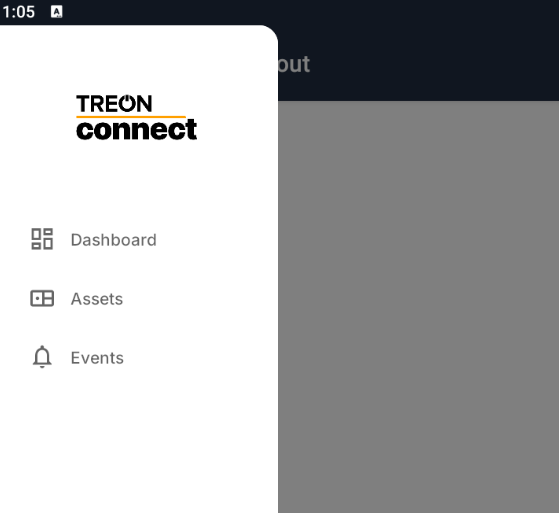
Open the Treon Connect app on your phone. In the navigation plane on the left side, choose the Assets menu.
Step 3: Choose Asset
From the list of Assets, choose the Asset on which the sensor is mounted on.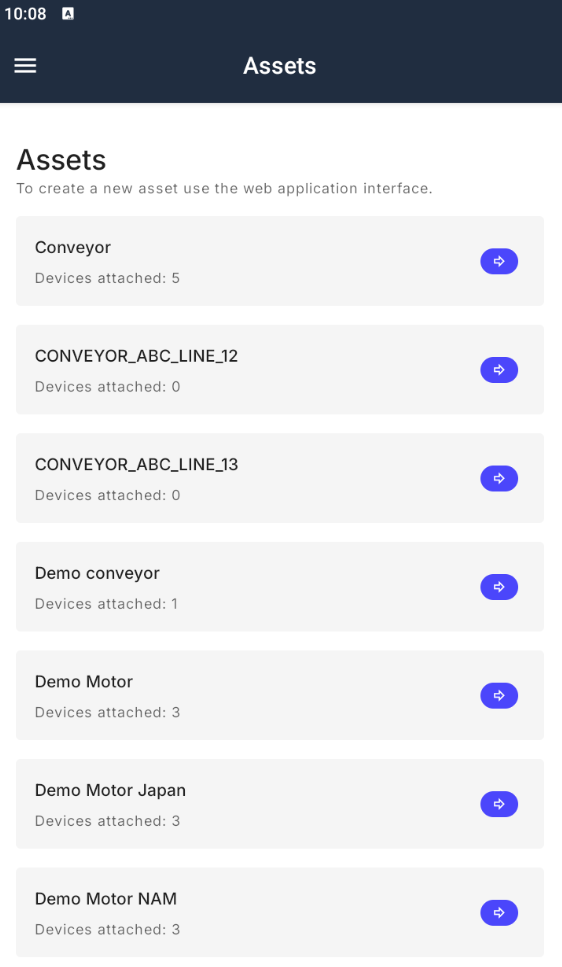
Step 4: Choose the sensor
From the list of sensors attached to the Asset, click the sensor you would like to measure.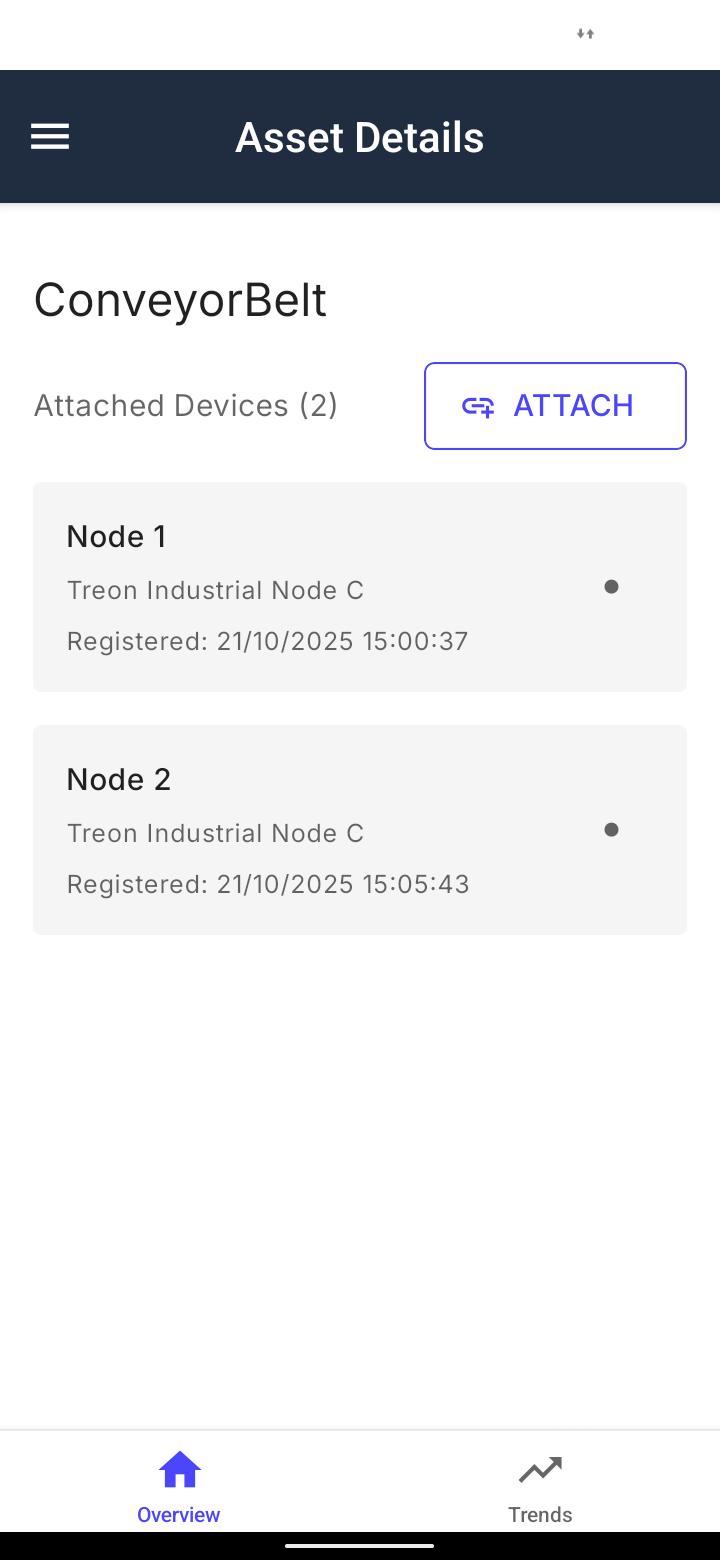
Step 5: Trigger the measurement
A new menu with details on the sensor opens. On the top right click Actions.
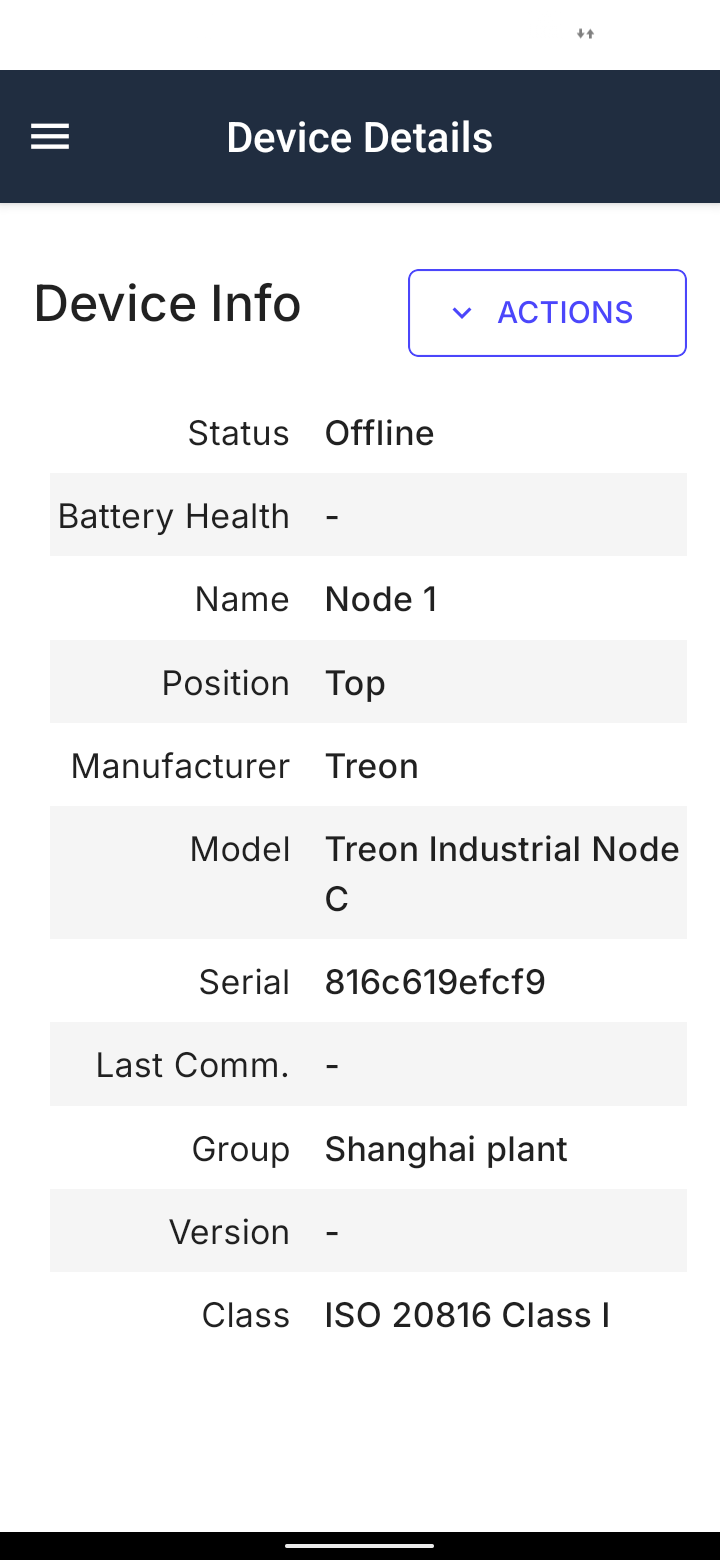
Now a new menu on the bottom appears. Click Trigger Measuremet.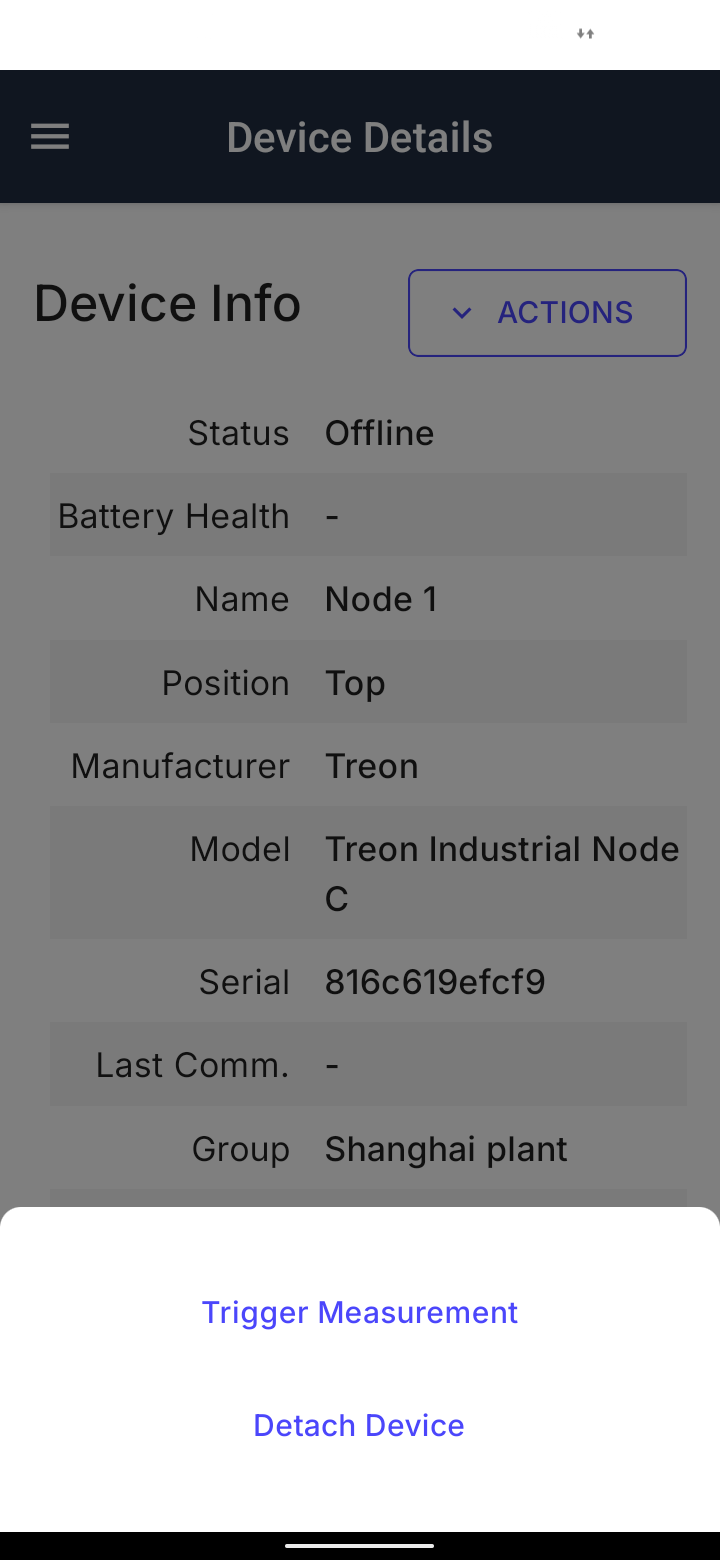
Step 6: NFC trigger
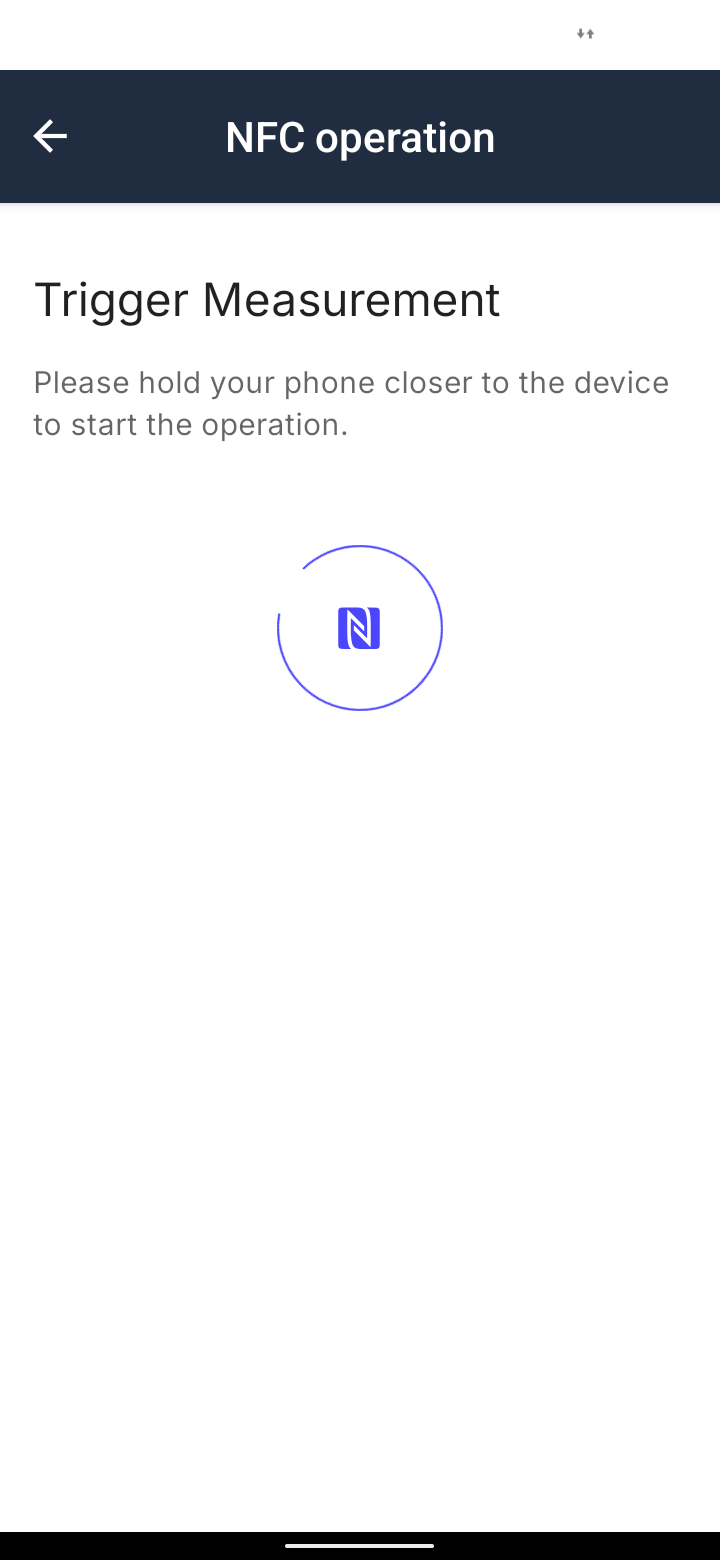
Now you will be asked to hold your phone or tablet over the sensor from which you want to trigger a measurement.
Please place the NFC sensor of your device directly above the sensor as shown in the picture.
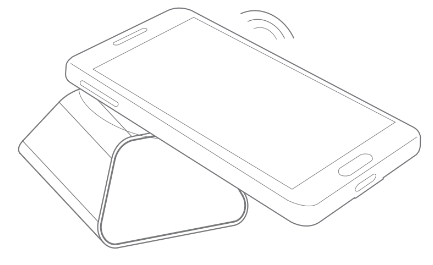
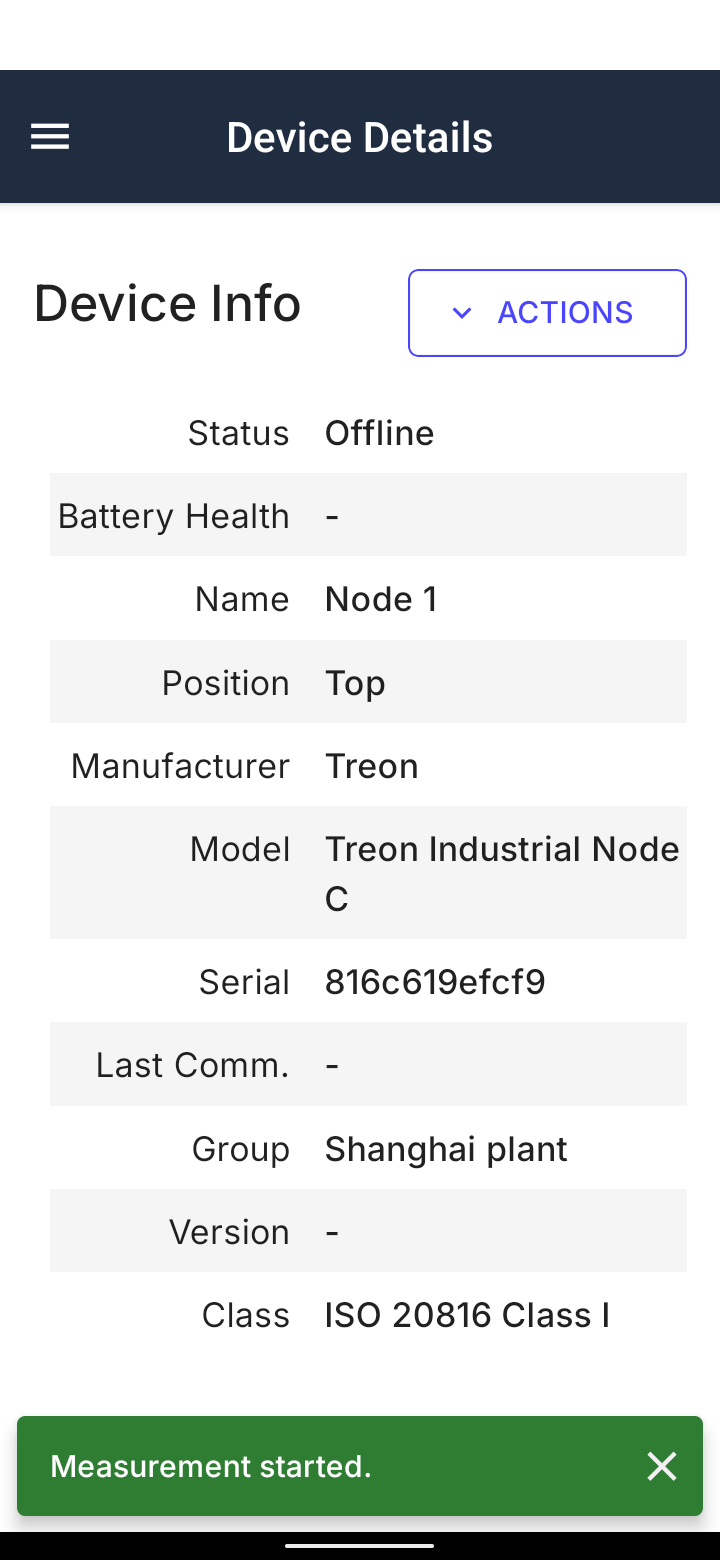
Hold the phone or tablet in place until 100 % have been reached on the progress bar. After you have successfully triggered a measurement, you will receive this confirmation on the bottom of the app:
Step 5: Wait
After triggering a manual measurement on a Treon Industrial Node C, please wait shortly until the sensor has completed the measurement and forwarded the data to your Treon Connect platform. It can take 1 to 10 minutes for the data to be visible in your Treon Connect Mobile app.
Step 6: See measurement data
Now you can access the measurement data of your manually triggered measurement.
Additionally, the manual measurement will trigger an Info Event in the Events menu.
You have now successfully triggered a manual sensor measurement!
Last updated on Dec 10, 2025